Hop Hop Hop Dance AI not working? Fixes for common problems and a free redo
Updated:
Short answer
A failed Hop Hop Hop render is refunded automatically, but a finished clip is not redone for free: a new run costs 1 credit, even with the same photos. The swap and the two faces are what vary between runs, so check a 5-second bonus preview first; every pack includes some.
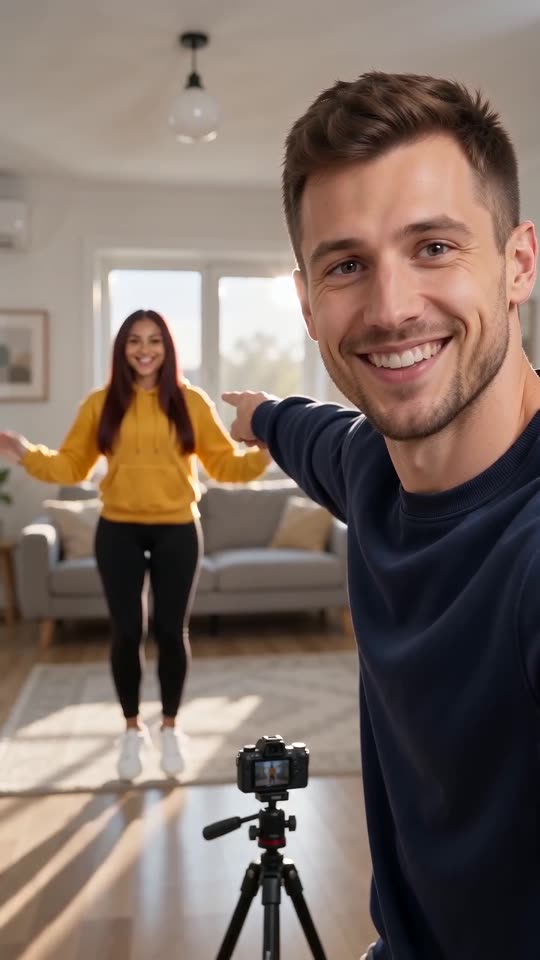
Refunded, and not refunded
- Refunded automatically: a render that fails, or a photo the model refuses.
- Not refunded: a finished clip where the swap is soft, a face drifts or a far figure is tiny. The model invents every frame, so this is a result, not a failed render.
- A new run: other photos, another place or the same photos again cost 1 credit.
- Unused packs: refundable within 7 days, see the refund policy.
Check this in the preview
With the $8.99 pack you have 1, with $16.99 you have 3 and with $25.99 you have 5. Look at the two faces first (faces guide), then at whether the two swap at the cut (swap guide). The preview runs the beats faster, so leave the timing for the full video.
To ask for a refund on an unused pack within 7 days, email support@mimiczip.com.
Hop Hop Hop AI video: why did a face change, and how do I fix it?
The face that is close to the lens is large and easy to judge, while the far one is small and tends to drift more. Each person is close once, before or after the cut at 4.2 seconds. Use sharp, well-lit, front-facing photos and check a 5-second bonus preview for both faces.
Quick fixes
- Crop each photo so the face is large and sharp, with both eyes open.
- Use daylight, no sunglasses and no filter.
- Use one subject per photo, and different-looking people for the two boxes.
- Keep the outfit option on your own clothes, so the faces and the clothes both come from the photos.
Why it happens
Two people who look alike, or a twin made from one photo, are harder to keep apart after a hard cut. If the two come out looking like each other, try photos with clearly different hair and clothes.
Hop Hop Hop AI video: the two do not swap places, how do I fix it?
The swap is the hardest beat: a model sometimes blends the hard cut into a soft move, or leaves one person close for the whole clip. Run a 5-second bonus preview; if the swap is missing, try a plainer place such as the living room, and two subjects who clearly look different.
What helps the swap
- A plain place: the living room or the parking lot give the camera a clear spot for each person.
- Different looks: two clearly different people are easier to keep apart than twins.
- The full 8 seconds: the 5-second preview squeezes the beats, so judge the cut on the full video.
Why it happens
The model redraws every frame, and a cut that must land exactly on a beat is easy to soften. A clip with a soft swap is a finished result, not a failed render.
Questions people ask
Is a failed video charged?
No. The credit is reserved when the run starts and returned if it fails. Failed runs return their credit automatically.
How do I avoid paying twice for a bad result?
Run a bonus preview first with sharp, front-facing photos. Only then spend the credit on the full 8 seconds.
Can I get my money back instead?
Only for packs you have not used, within 7 days of buying. Credits that already produced a video stay spent.
Does the light option change the faces?
It changes how they are lit, not who they are, but a dark night setting can make the far face harder to read.
Is a soft swap a failed video?
No. A finished clip where the swap is soft is a result, not a failed render, and is not refunded.
Does 16:9 change the swap?
A little. The wide frame has more room between the two, so the far person can look smaller.
Make your own Hop Hop Hop dance video
Upload one photo and make a 8-second HD video from $8.99. No subscription, and the full video has no watermark.
Make my video